You do not need a studio to start camming, but a little preparation makes your first broadcasts far smoother. Use this checklist before you go live for the first time.
Camera
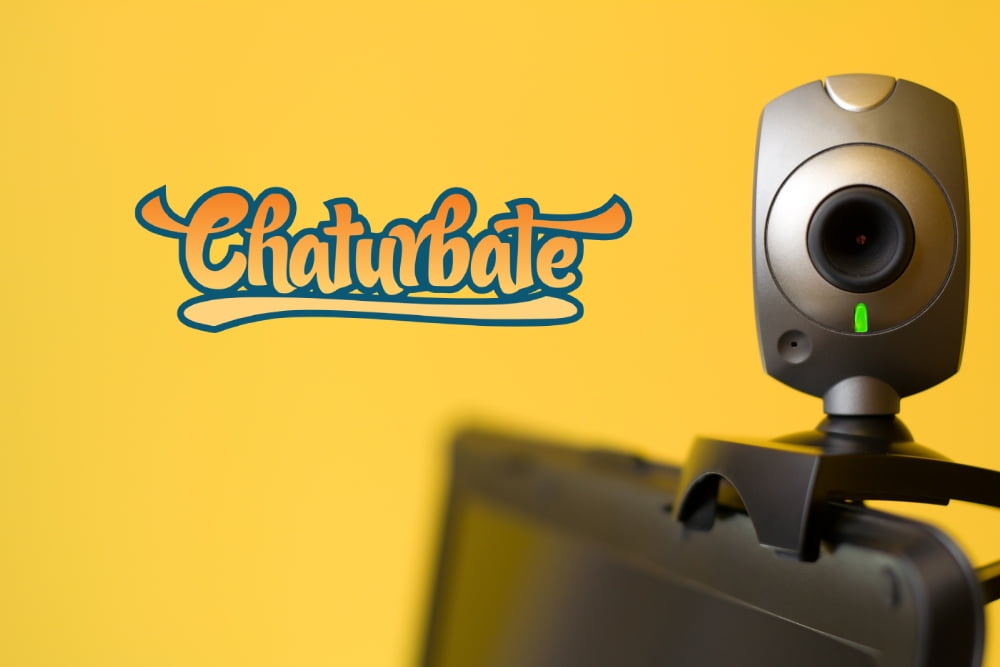
A decent external webcam usually looks better than a built-in laptop camera. Place it at eye level or slightly above, and test the image at the resolution the site recommends. A stable mount matters more than the most expensive model.
Lighting
Good light improves image quality more than any camera upgrade. A soft light in front of you, plus a second one to the side, removes harsh shadows. Avoid sitting with a bright window behind you.
Audio and internet
A small external microphone makes your voice clearer than the laptop mic.
A wired connection is more stable than Wi-Fi for long broadcasts.
Run a test stream to check upload speed before your first real show.
Room and privacy
Tidy the area the camera can see and remove anything that identifies you: mail, photos, diplomas, views from the window. Decide in advance whether you will show your face, and set up any region-blocking options the site provides.
Once the basics are ready, do a private test, watch the recording and adjust. Starting with a clean, reliable setup lets you focus on your audience instead of technical problems.